
Turn your X, Reddit, GitHub and SaaS growth into visuals that Roaaar
Your analytics deserve better than a screenshot.
Get eye-catching visuals in 10 seconds.

“I love the design!”— @marclou

Metrics to fuel your growth
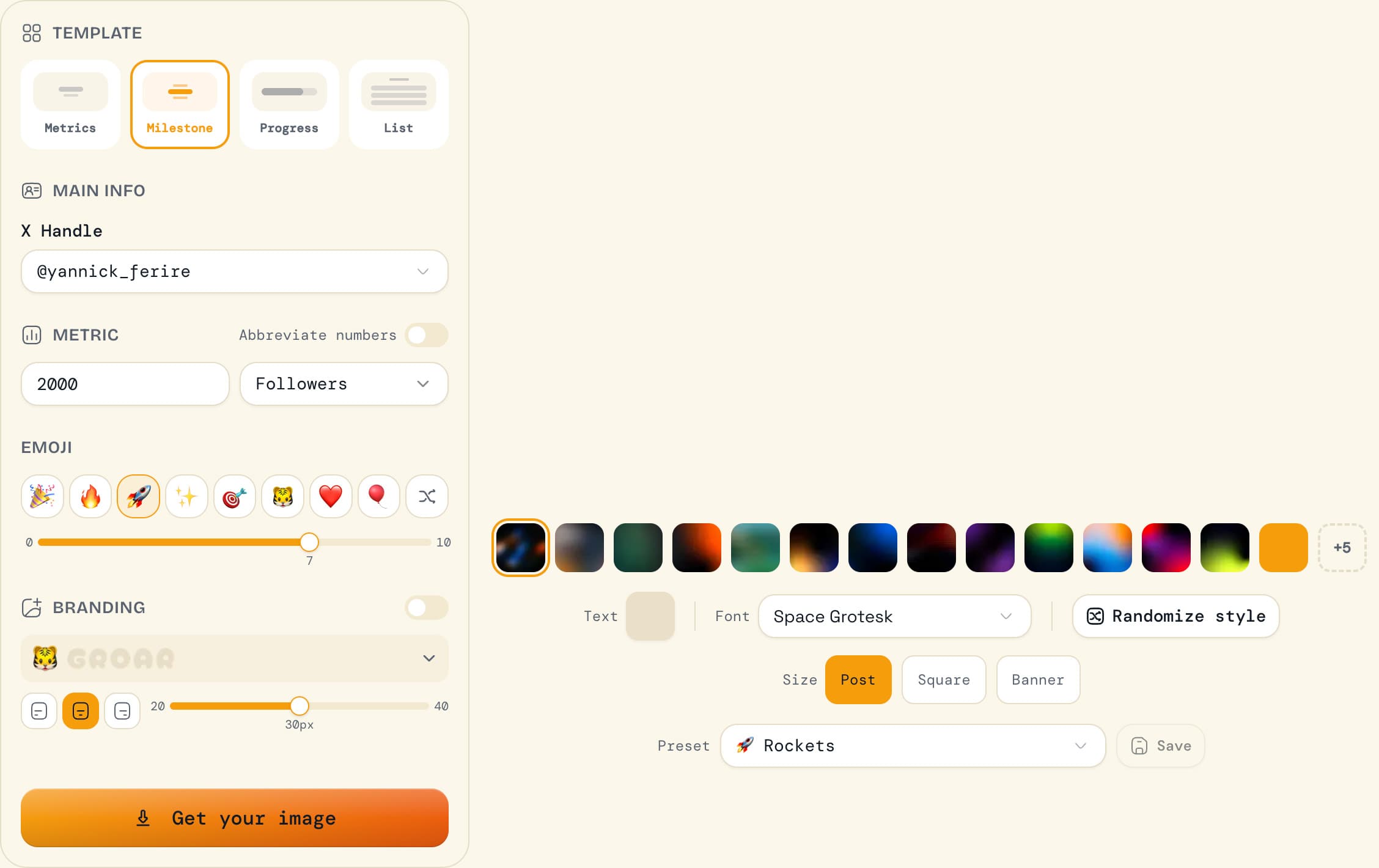
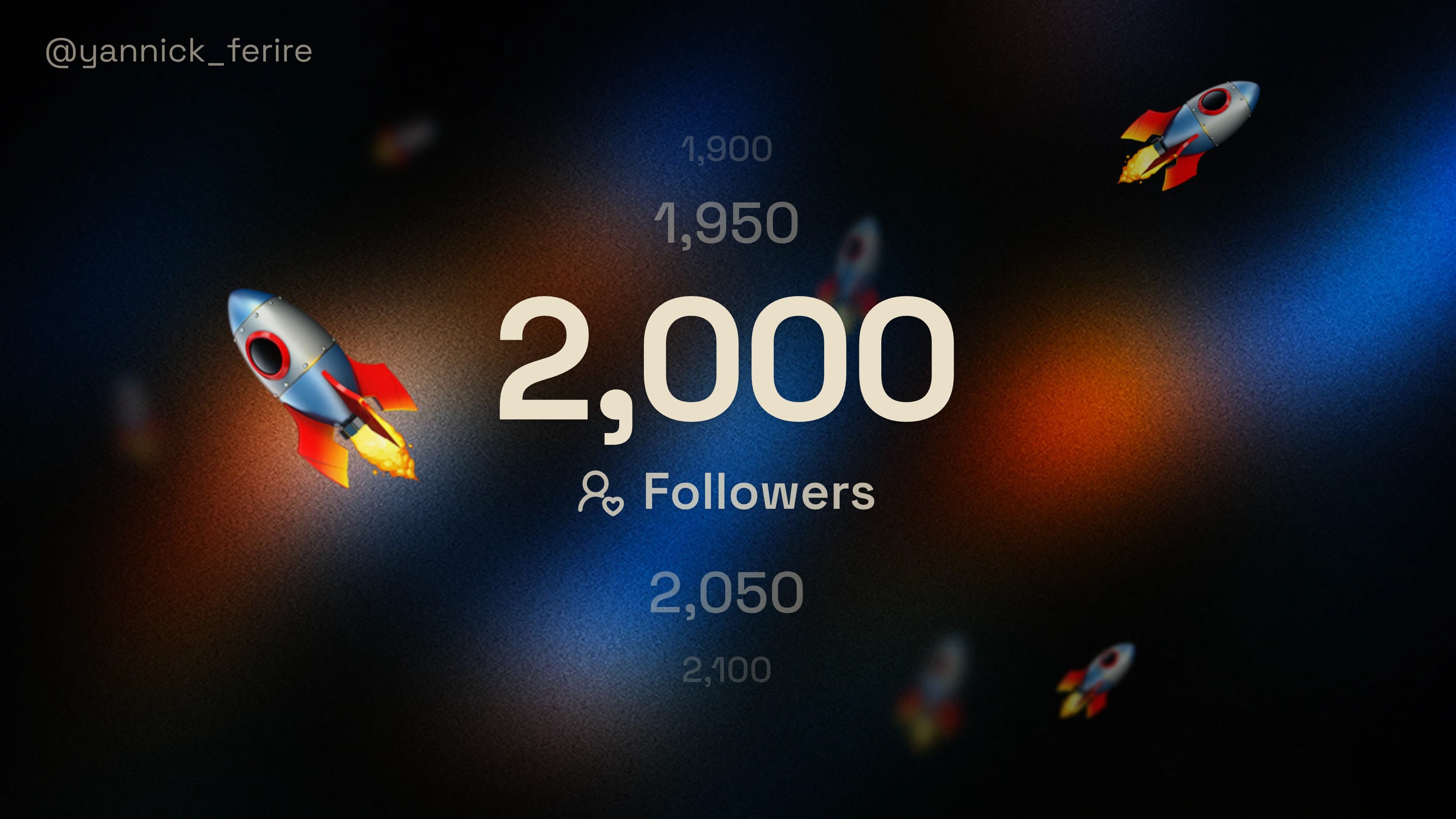
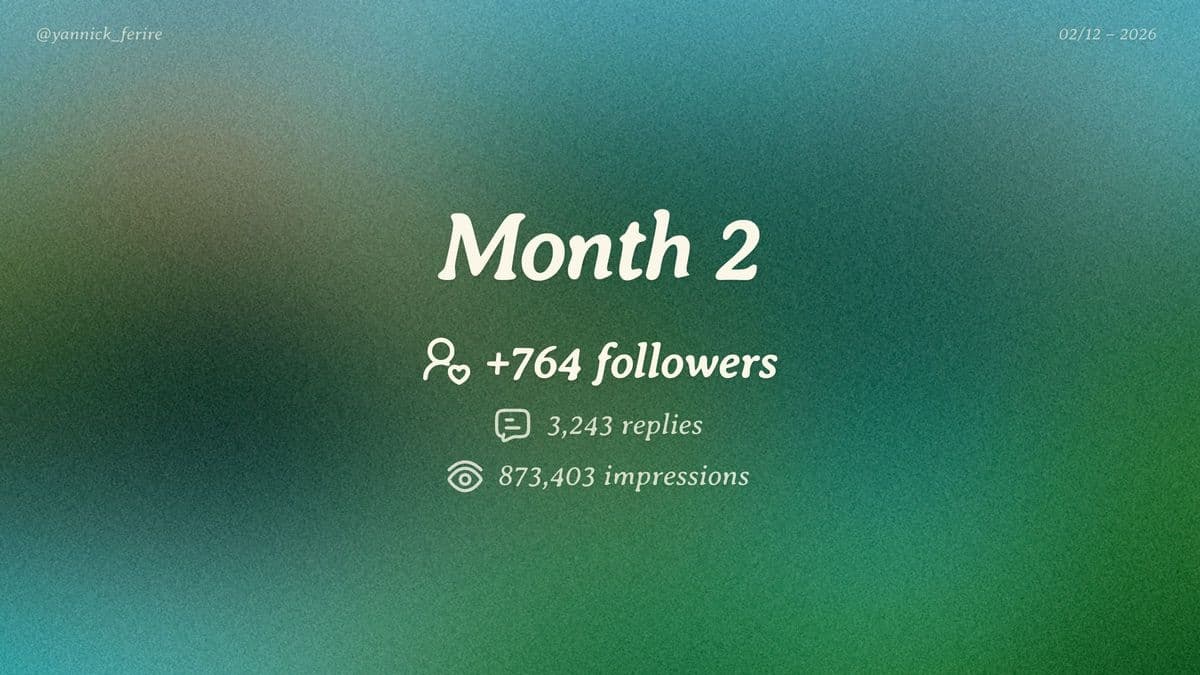
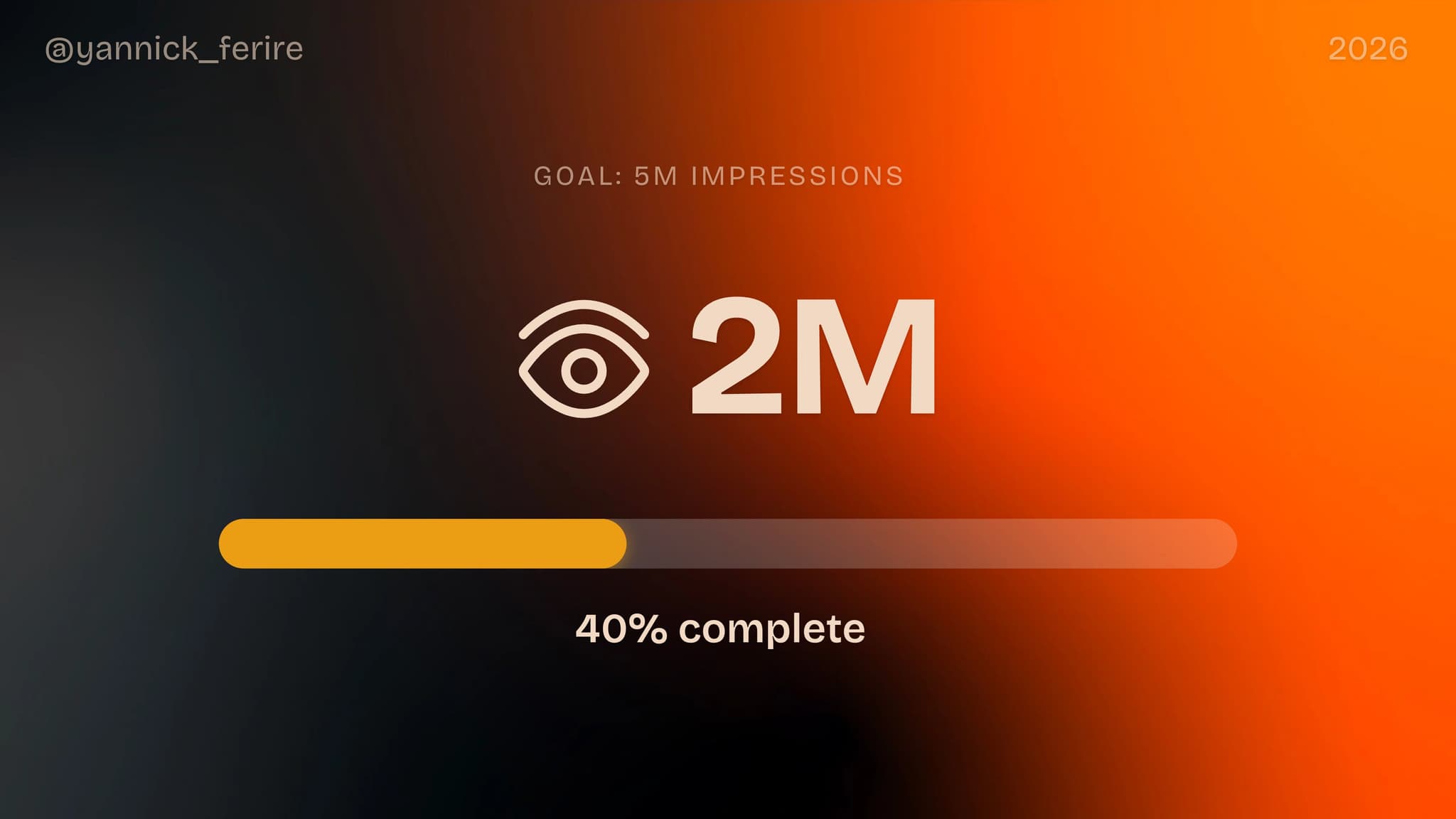
Pull data from X, GitHub, Reddit, or your SaaS dashboard. All in one visual.
Turn raw data into scroll-stopping content
Your analytics are powerful. Make them look awesome.
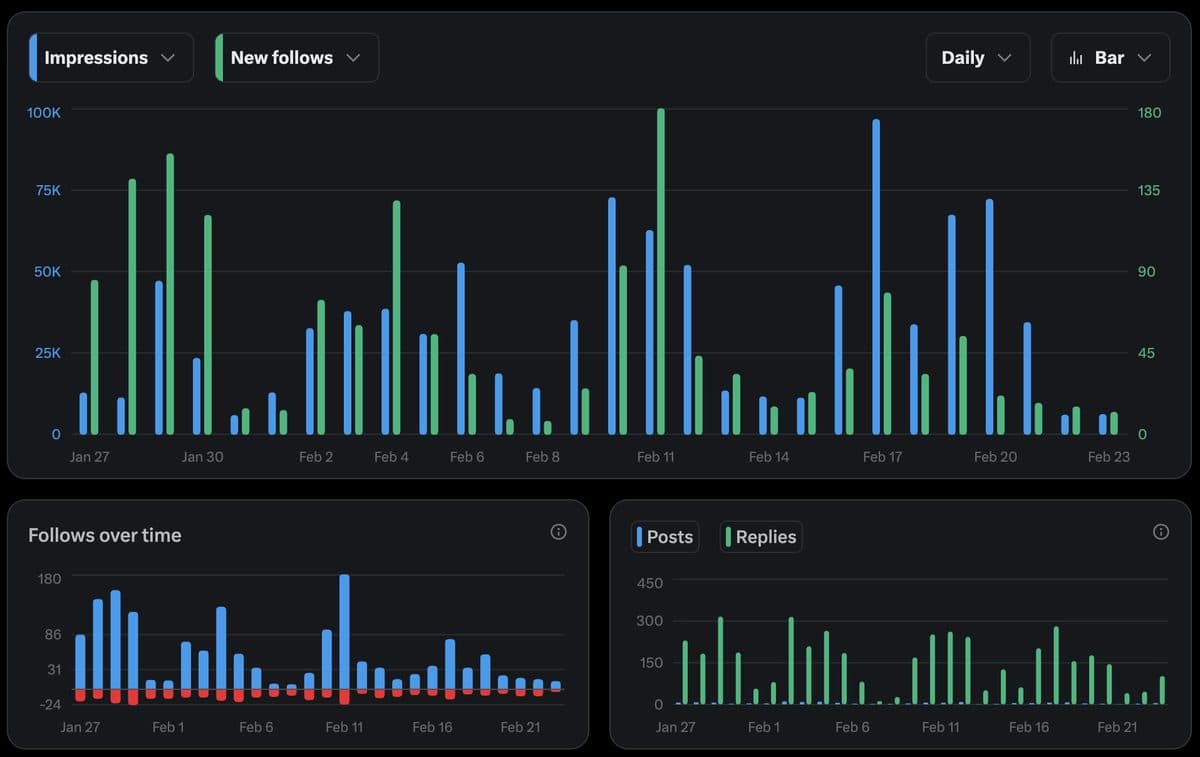
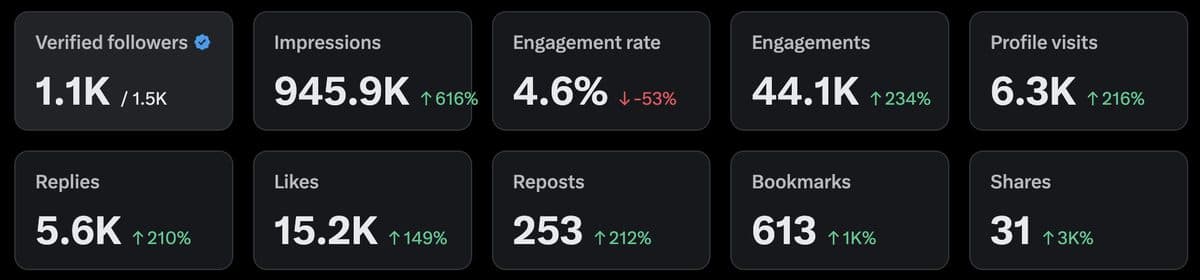
2.5x more engagement
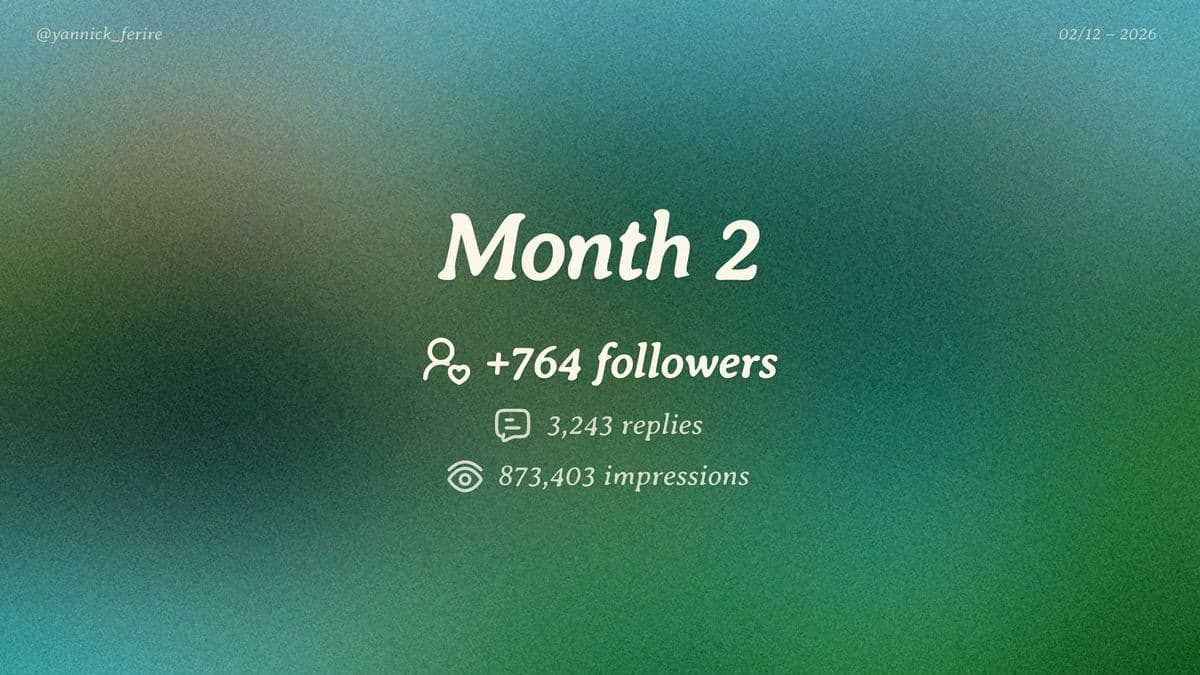
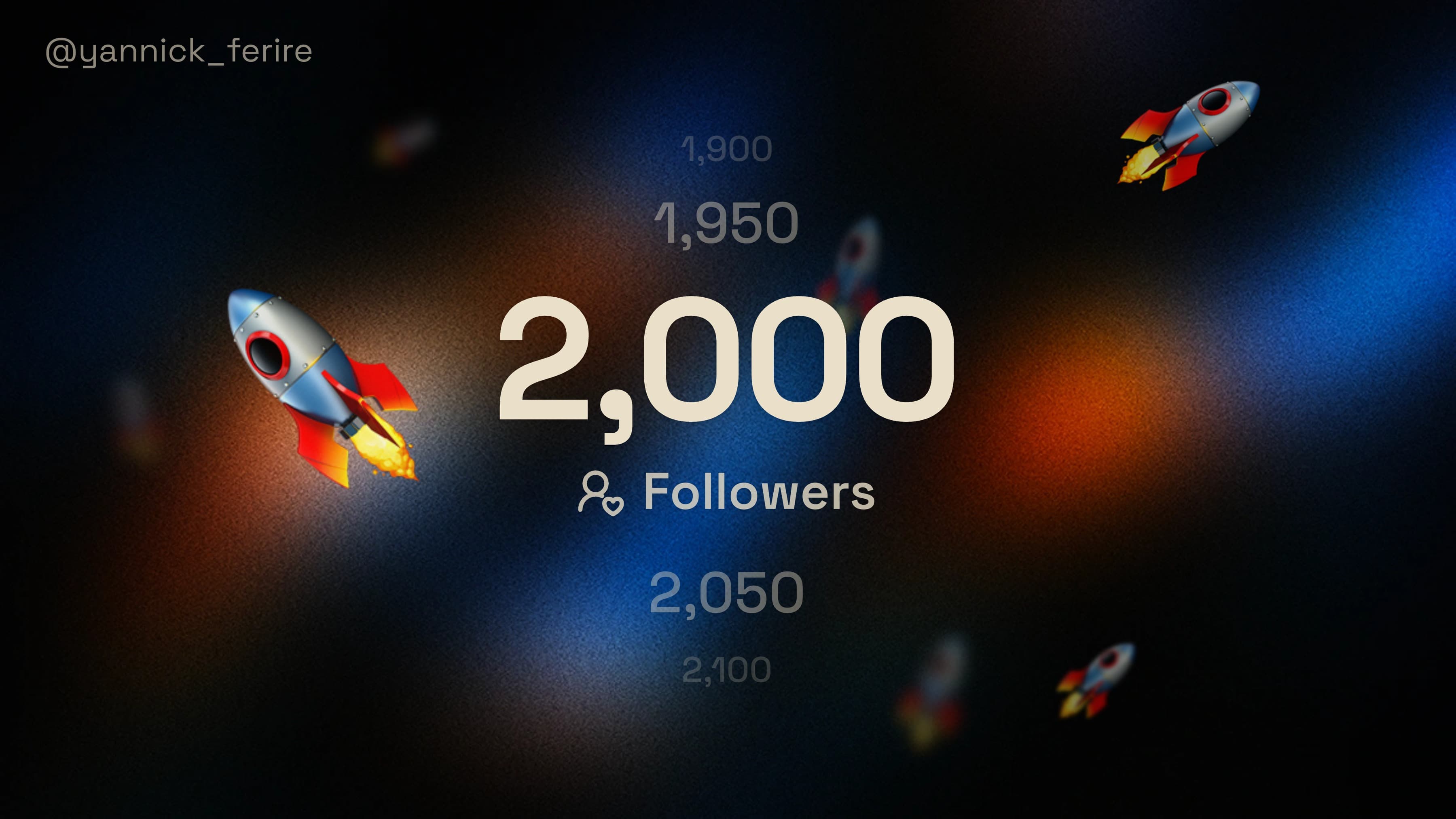
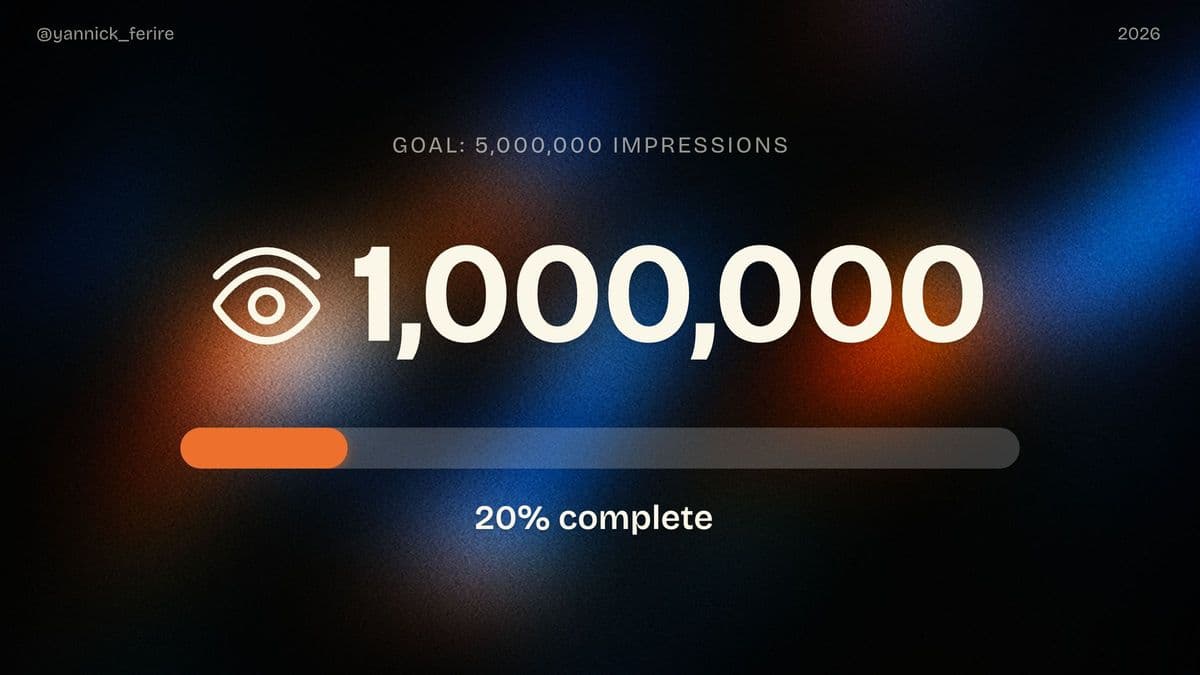
Dozens of backgrounds. Infinite combinations.
See what the community created
Share your growth in 10 seconds
No design skills needed. Just three simple steps.
Enter your metrics
Add your handle and input your data.
Customize the style
Choose a background and pick your colors.
Download & share
Export as PNG and share your wins.
Built for people building in public
Makers, founders, creators! Anyone who shares their journey deserves visuals that match their ambition.
Indie Hackers
“Just hit $1K MRR!”
Revenue milestones that get likes, not just impressions.
Content Creators
“10K followers!”
Celebrate growth and attract new followers.
Open Source
“500 GitHub stars!”
Stars, forks, contributors! Shareable in one image.
Founders
“Monthly growth recap”
Real numbers build trust with investors and users.

Made by @yannick_ferire
“I started making visuals for my own Build In Public journey. People kept asking what tool I used, so I built it.
What other builders say
Don't take our word for it

@EmrikLecomte
Bro, I know you have 12 years of experience in frontend but the UI of Groar is a masterclass. I'm not exaggerating. I'm not trying to flatter you. I really think the UI is so well designed. I love it!

@StefanRows
Been using groar.app to turn my X metrics into shareable visuals. Dead simple — pick your stats, choose a background, download. Takes 10 seconds. Nice tool by @yannick_ferire

@nhrdev
Thanks a lot @yannick_ferire for making these visuals creation that easy using groar.app

@danmerrick117
So cool, especially how smooth setting it up is. Had my first graphic made in ~1min after signing up. One happy customer here!

@ozhan_dev
Thanks man! Groar looks cool. Sharing milestones with images really works for me growing and having a good design for sharable milestone is really great idea.

@jimdin79
Groar is a sick tool, and I am sure you will grow it to the moon!

@ardent__dev
Huge shoutout to @yannick_ferire for the amazing visual tool (GROAR) the visuals are awesome and somehow they even boost reach. No idea how, but it works.
@EmrikLecomte
Bro, I know you have 12 years of experience in frontend but the UI of Groar is a masterclass. I'm not exaggerating. I'm not trying to flatter you. I really think the UI is so well designed. I love it!
@StefanRows
Been using groar.app to turn my X metrics into shareable visuals. Dead simple — pick your stats, choose a background, download. Takes 10 seconds. Nice tool by @yannick_ferire
@nhrdev
Thanks a lot @yannick_ferire for making these visuals creation that easy using groar.app
@danmerrick117
So cool, especially how smooth setting it up is. Had my first graphic made in ~1min after signing up. One happy customer here!
@ozhan_dev
Thanks man! Groar looks cool. Sharing milestones with images really works for me growing and having a good design for sharable milestone is really great idea.
@jimdin79
Groar is a sick tool, and I am sure you will grow it to the moon!
@ardent__dev
Huge shoutout to @yannick_ferire for the amazing visual tool (GROAR) the visuals are awesome and somehow they even boost reach. No idea how, but it works.
Simple pricing
Start for free.
Upgrade to Pro when ready to level up your growth!
🔥 Only 15 spots left at $9
Catch yours — price increases to $12 when these are gone
Free
– for hobby growers- Full access to the editor
- 3 exports per week
- 5 backgrounds included
- Metric template
- Groar watermark
🐯 GROAR Pro
– for youAll templates unlocked
Full background library
Custom branding & no watermark
Export history & re-import
Chrome extension (coming soon)
- No watermark
- Unlimited exports
- Connect 3 accounts per platform
Frequently asked questions
See how GROAR compares: vs Canva, vs Screenshots, vs Spreadsheets, Build in Public Tools, or all comparisons.